Version 3.0.0
ROBLOX VSCODE
Edit Roblox games in VS Code with instant live sync, smooth animations, and interactive tutorials.
Edit Roblox games in VS Code with instant live sync, smooth animations, and interactive tutorials.
Download the VSIX for VS Code and the Plugin for Studio.
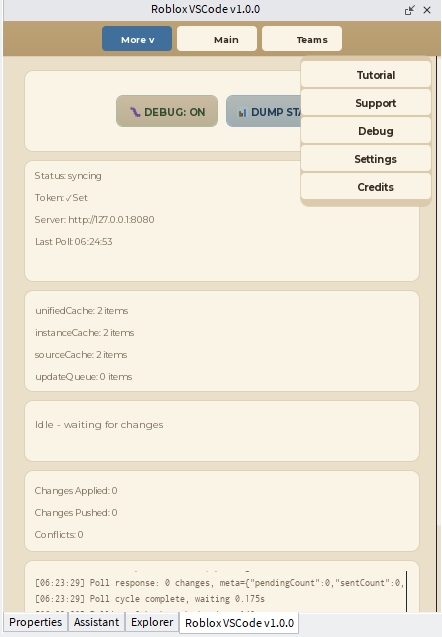
Press Ctrl+Alt+R in VS Code for a one-time pairing code, enter it in the Studio plugin, then click Connect.
Every save in VS Code updates Studio instantly - and editing a script, GUI, or folder in Studio flows back into VS Code too. No Rojo setup required.
VS Code ↔ Roblox VSCode ↔ Studio
The goal isn't to make you choose between Studio and VS Code — it's to let you use both. Write code in VS Code. Build and edit visually in Studio. Roblox VSCode keeps the two in sync, in both directions, so a GUI you built by hand in Studio becomes a real part of your VS Code project instead of staying stuck where you made it.
Real numbers from the sync network, refreshed automatically — no logins, no project names, just counts.
Active Projects (last 15 min)
Projects Have Used Roblox VSCode
Users Active Now
Total Users
Teams Created
You want Git, search, extensions, and a real editor for the actual Lua - not Studio's built-in script editor.
You want to build UIs, models, and hierarchies by hand in Studio - and have that work count as part of the project, not get left behind.
One person codes, another builds visually - each in the environment they're best in, kept in sync instead of forcing one workflow on everybody.
Server binds strictly to 127.0.0.1. No external access allowed.
Your source code never leaves your local machine.
Off by default, and currently a no-op even if enabled - no analytics endpoint is configured.